Learning React Hooks
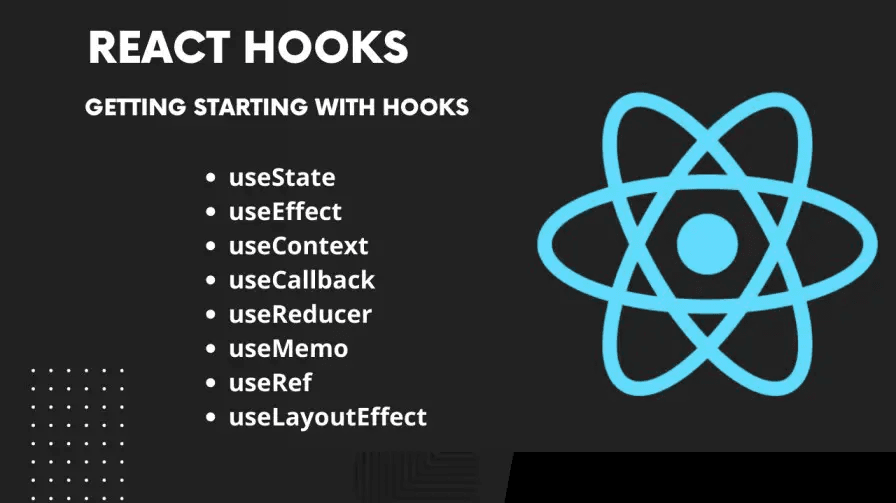
What are Hooks?
Hooks are functions that let you "hook into" React's features, such as state management, lifecycle methods, and context, without writing a class. The two most commonly used hooks are:
1 - useState - For managing state.
2 - useEffect - For handling side effects (like fetching data, subscriptions, etc.).
Rules of Hooks
Call Hooks at the Top Level: Don’t call hooks inside loops, conditions, or nested functions. Always call them at the top level of your React function.
Call Hooks Only in React Functions: You can use hooks only inside functional components or custom hooks.
#Core Hooks
1. UseState
Manages local state in a functional component.
useState takes an initial state as an argument and returns an array with two elements: 1 - The current state. 2 - A function to update the state.
2. useEffect
Handles side effects, such as fetching data, manipulating the DOM, or setting up subscriptions.
Dependencies: The second argument to useEffect is an array of dependencies. The effect re-runs when any dependency changes.
1 - []: Runs only once. 2 - [dependency]: Runs when dependency changes. 3 - No array: Runs after every render.
3. useContext
Accesses values from React's context API without writing a consumer component.
4. useReducer
An alternative to useState, useful for managing more complex state logic.
5. useRef
Accesses a DOM element directly or stores a mutable value that persists across renders.
6. useMemo
Memoizes the result of a computation to avoid recalculating it on every render.
7. useCallback
Memoizes a function to prevent unnecessary re-creation during renders.
8. useImperativeHandle
Customizes the instance value exposed when using React.forwardRef.